Klusikova Galerie
ENCSDESV
Admin-Anmeldung

Was ist neu

    Der Verlauf wird nur in diesem Browser gespeichert.

    LKPS 260503 2

    3. 5. 2026
    29

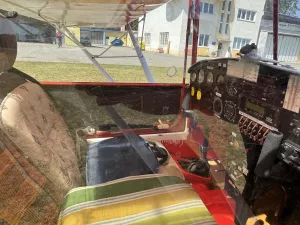
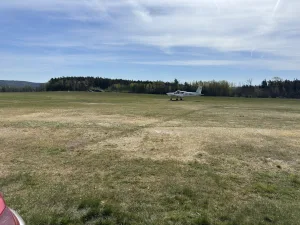
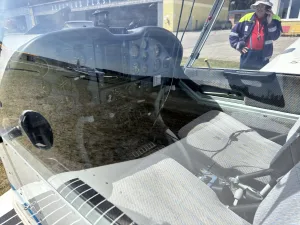
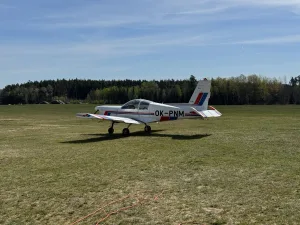
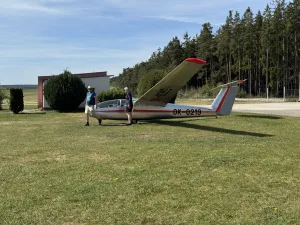
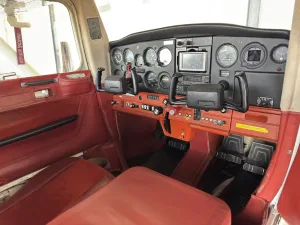
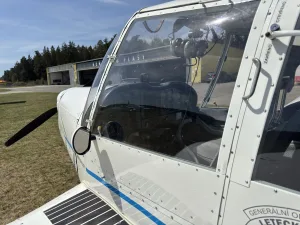
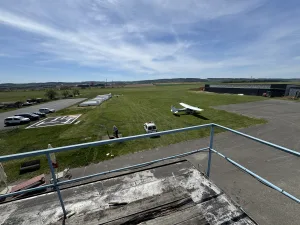
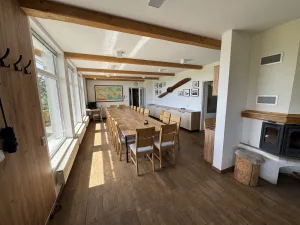
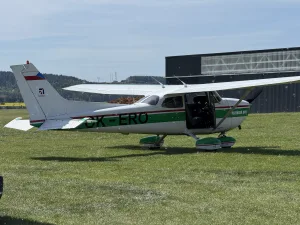
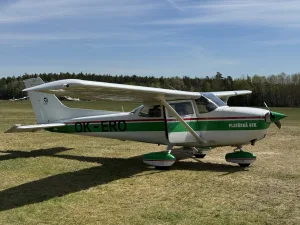
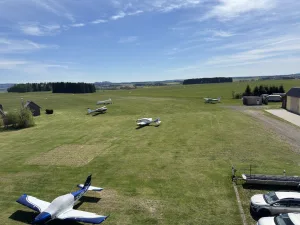
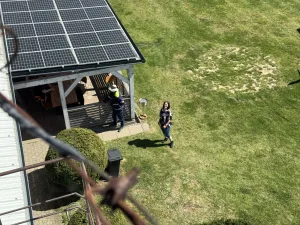
    Dnes let v LKPS, pár lekcí a tak :-)

    Ab dem ersten Foto

    Präsentation

    Präsentation teilen

    Bedienelemente ausblenden. Mit Esc beenden.

    1. Galerien
    2. Létání
    3. LKPS 260503 2
    letadlaplasylkpsakplasyc172
    🔍
    Zurück12WeiterSeite 1 von 2
    LKPS 260503 2 — Foto 1
    LKPS 260503 2 — Foto 2
    LKPS 260503 2 — Foto 3
    LKPS 260503 2 — Foto 4
    LKPS 260503 2 — Foto 5
    LKPS 260503 2 — Foto 6
    LKPS 260503 2 — Foto 7
    LKPS 260503 2 — Foto 8
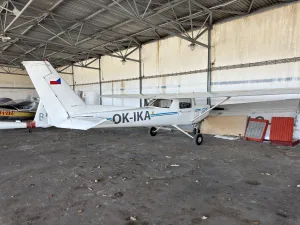
    OK-IKA bude žít, jen se dá nový motor :-)

    OK-IKA bude žít, jen se dá nový motor :-)

    LKPS 260503 2 — Foto 10
    LKPS 260503 2 — Foto 11
    LKPS 260503 2 — Foto 12
    LKPS 260503 2 — Foto 13
    LKPS 260503 2 — Foto 14
    LKPS 260503 2 — Foto 15
    LKPS 260503 2 — Foto 16
    LKPS 260503 2 — Foto 17
    LKPS 260503 2 — Foto 18
    LKPS 260503 2 — Foto 19
    LKPS 260503 2 — Foto 20
    LKPS 260503 2 — Foto 21
    LKPS 260503 2 — Foto 22
    LKPS 260503 2 — Foto 23
    LKPS 260503 2 — Foto 24
    LKPS 260503 2 — Foto 25
    Zurück12WeiterSeite 1 von 2

    Präsentation starten

    Ihr Browser benötigt einen Klick, um mit den Linkeinstellungen zu starten.

    Steuerung←/→ Fotos, Shift+←/→ ±10 Fotos, +/− Zoom, 0 zurücksetzen, F Vollbild, M Karte, S Diashow, X Schließen
    Änderungen wirken sofort. Mit den Pfeiltasten Schnell, Mittel oder Langsam wählen.
    Zoom 100%
    PHP Gallery (1.8.5)